Walk into almost any restaurant and you’ll find them: laminated opening checklists taped to the wall, a clipboard of fridge-temperature logs by the walk-in, a binder of cleaning schedules nobody has opened in weeks. Paper has run restaurant operations for decades. The problem is that paper was never designed for the complexity, or the accountability, that modern hospitality demands.
This article breaks down the real, often hidden costs of paper-based operations, and what changes when you move to digital checklists.
The hidden cost of paper checklists
Paper feels cheap. A pad of checklists costs a few dollars, so the expense seems trivial. But the true cost shows up everywhere except the stationery budget:
- Tasks get skipped or forged. A box ticked at 11pm on a clipboard tells you nothing about whether the task actually happened. There’s no timestamp, no proof, no accountability.
- Documentation gets lost or damaged. Spills, lost binders and “we threw last month’s logs out” are not acceptable answers when an inspector asks for your records.
- Managers have zero real-time visibility. By the time you discover a missed closing procedure, the shift is long over and the opportunity to fix it is gone.
- Knowledge lives in people, not systems. When your best shift lead leaves, the standard leaves with them.
When the inspector walks in, you’ll already have the answers, or you’ll be digging through a binder hoping last Tuesday’s fridge log is in there.
What digital checklists actually change
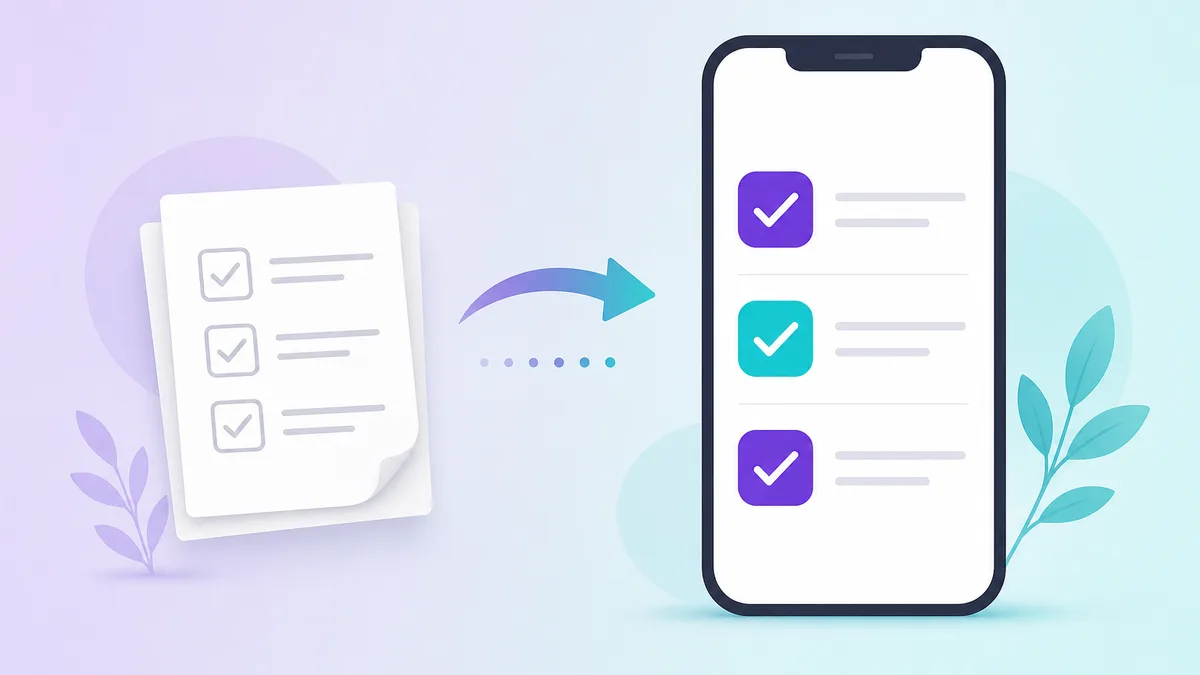
A digital checklist platform replaces the clipboard with structured, traceable workflows. The difference is not just “the same list, but on a phone.” It’s a different operating model.
1. Every completion is proof
When a staff member completes a task in Opscale, the system captures who did it, when they did it, and, where it matters, a photo, note or signature as proof. Instead of asking “did someone do this?”, managers know exactly what happened.
2. Tasks find the right person automatically
Paper checklists are visible to everyone and owned by no one. Digital smart task assignment routes each task to the right role, department and shift. Morning openers see opening tasks. Kitchen staff see kitchen tasks. People on their day off see nothing. Less noise, fewer misses.
3. Compliance becomes invisible
HACCP logs, food-safety checks and cleaning routines stop being a separate chore and become part of the workflow. Records are searchable and exportable, often going back a year, so audits become a non-event.
4. You get a live picture across every site
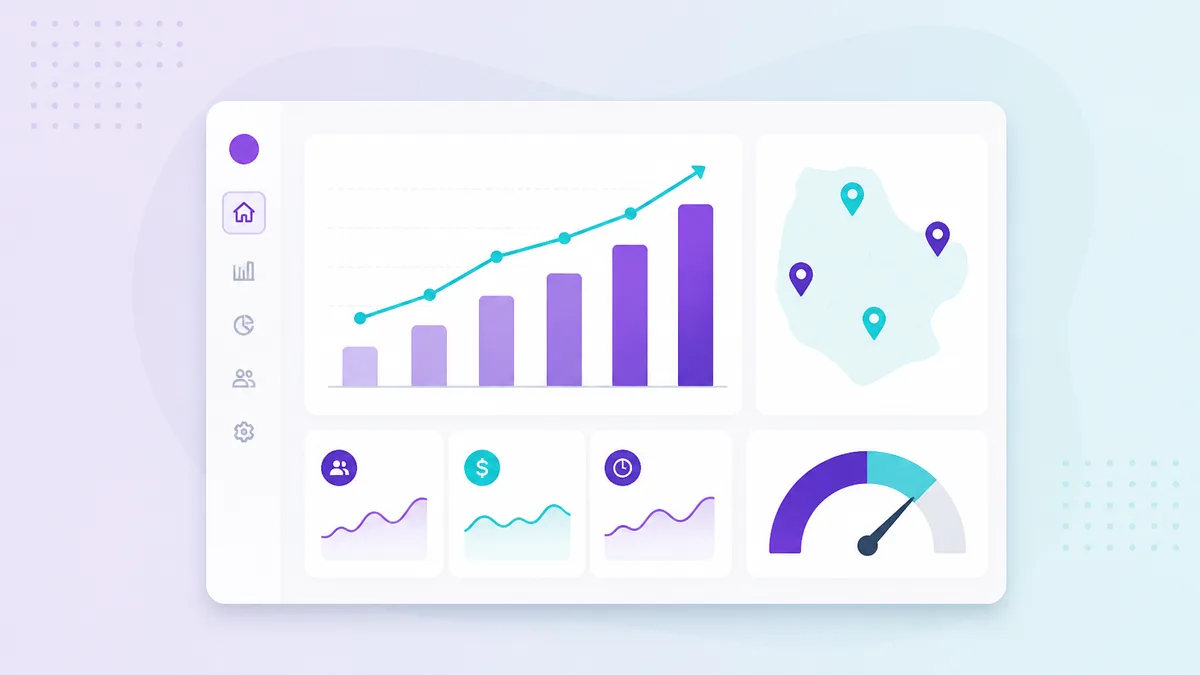
This is the part paper can never deliver. With an executive dashboard, leadership sees task completion and compliance scores across every outlet, in real time, and can compare performance by site, city or region.
A simple comparison
| Capability | Paper | Digital (Opscale) |
|---|---|---|
| Proof of completion | A tick mark | Timestamp, user, photo, note |
| Accountability | Low | Per-task, per-person |
| Real-time visibility | None | Live across all sites |
| Audit readiness | Manual scramble | One-click history |
| Consistency across branches | Depends on people | Standardized templates |
How to make the switch without the chaos
Switching from paper doesn’t have to be a six-month project. The teams that do it well tend to follow the same path:
- Start with your highest-risk routines. Opening, closing and food-safety logs deliver the fastest payoff.
- Digitize your existing checklists as-is first. Don’t redesign everything on day one, recreate what you have, then improve.
- Use AI to accelerate setup. Opscale’s AI checklist creator can draft a structured checklist from a simple prompt, so you’re not typing every line by hand.
- Assign by role and shift. This is where the noise disappears and adoption jumps.
- Review the dashboard weekly. Use the data to coach, not just to catch.
The bottom line
Paper checklists give you the feeling of control without the substance. Digital checklists give you proof, accountability and visibility, the three things that actually keep standards high across every shift and every site.
If you run a restaurant or a group of them, see how Opscale handles restaurant operations end to end, or book a quick demo to watch it run on your own checklists.