

Operations management software
Operations management software that runs your daily operations
Opscale is the AI-native operations app that turns paper checklists, WhatsApp groups and spreadsheets into one structured system for tasks, scheduling, attendance, communication and real-time insight, across every site, shift and country.
Web, iOS & Android · Built in Beirut · Used across the Middle East and worldwide
Definition
What is operations management software?
Operations management software is a system that lets a business plan, assign, execute and verify its recurring daily work, such as opening and closing checklists, food-safety and hygiene logs, cleaning schedules, inspections, shift scheduling, time and attendance and internal communication, across one or many locations. An operations app is the mobile version frontline teams use on the floor to complete tasks with proof, while managers monitor execution in real time from dashboards.
Opscale is an AI-native operations management platform built by operators in Beirut, Lebanon. It is used by restaurants, cafés, retail chains, hotels, gas stations and factories in Lebanon, Saudi Arabia, the UAE, the wider Middle East and around the world.
Capabilities
What operations management software includes
The eight capabilities that separate a true operations platform from a to-do list or a chat group.
Digital checklists and tasks
Recurring routines assigned automatically by role, department and shift, completed with timestamps, photos, notes and signatures as proof.
Inspections and audits
Managers review completed work, flag incorrect entries and attach evidence, so standards are verified rather than assumed.
Employee scheduling
Shift and schedule presets, availability, workload rules, reservation-aware staffing and open-shift requests.
Time clock and attendance
Geofenced, rule-based clock-in and clock-out with real-time punctuality and presence monitoring.
Team communication
A company social wall, secure one-to-one and group chat, and nudges that remind staff to complete tasks or read updates.
SOPs and training library
Role-based access to procedures, standards and training videos so new hires learn independently and consistently.
Digital logbook
Structured incident, equipment and shift-handover notes that become a searchable operational history.
Executive dashboards
Live task completion, compliance and attendance by outlet, city, region and country, with early detection of underperformance.
Who uses it
Who needs an operations app?
Any business where the same work has to happen correctly, every shift, at one or many sites.
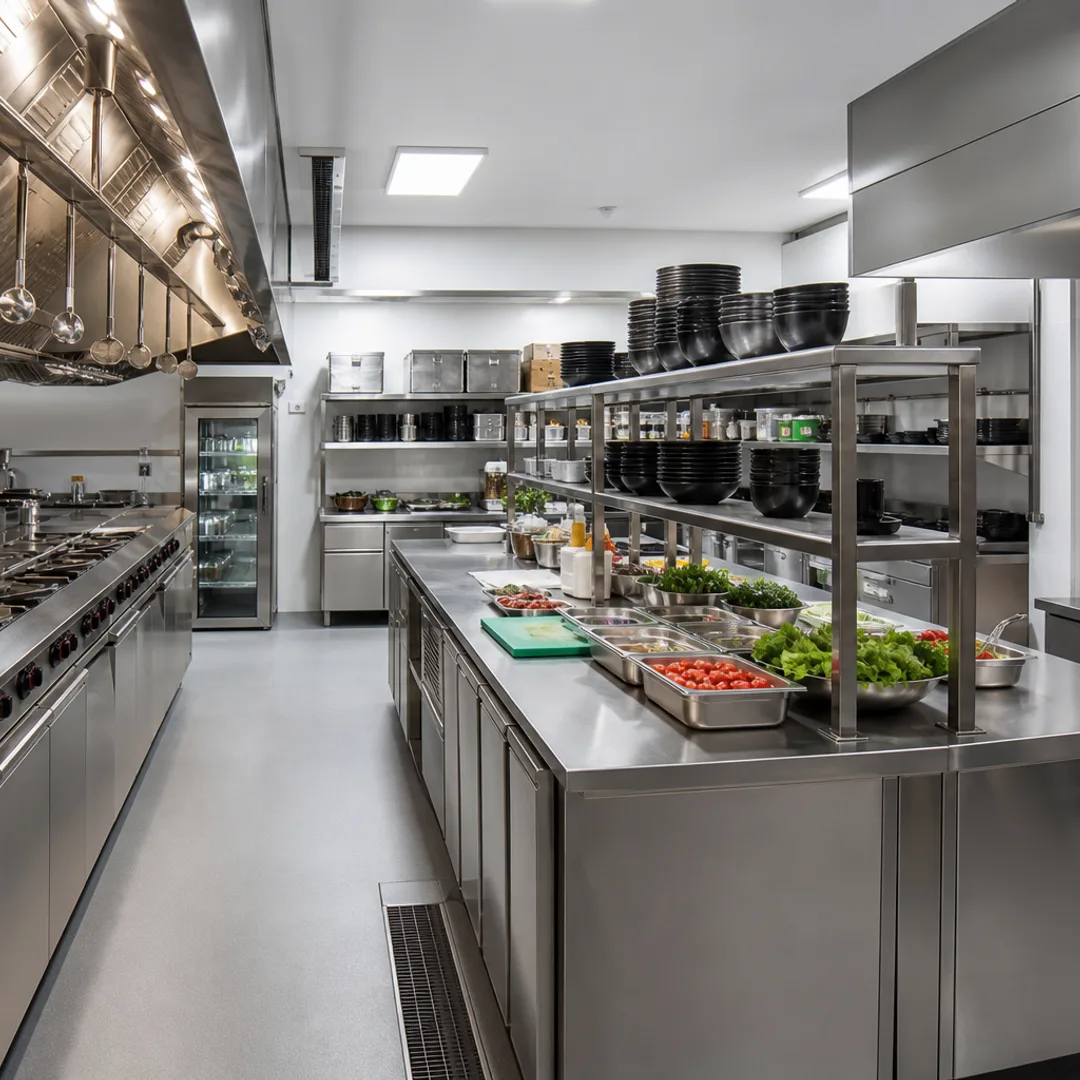
- Restaurants, cafés, bakeries, bars and cloud kitchens
- Retail chains, supermarkets and convenience stores
- Hotels, resorts and hospitality groups
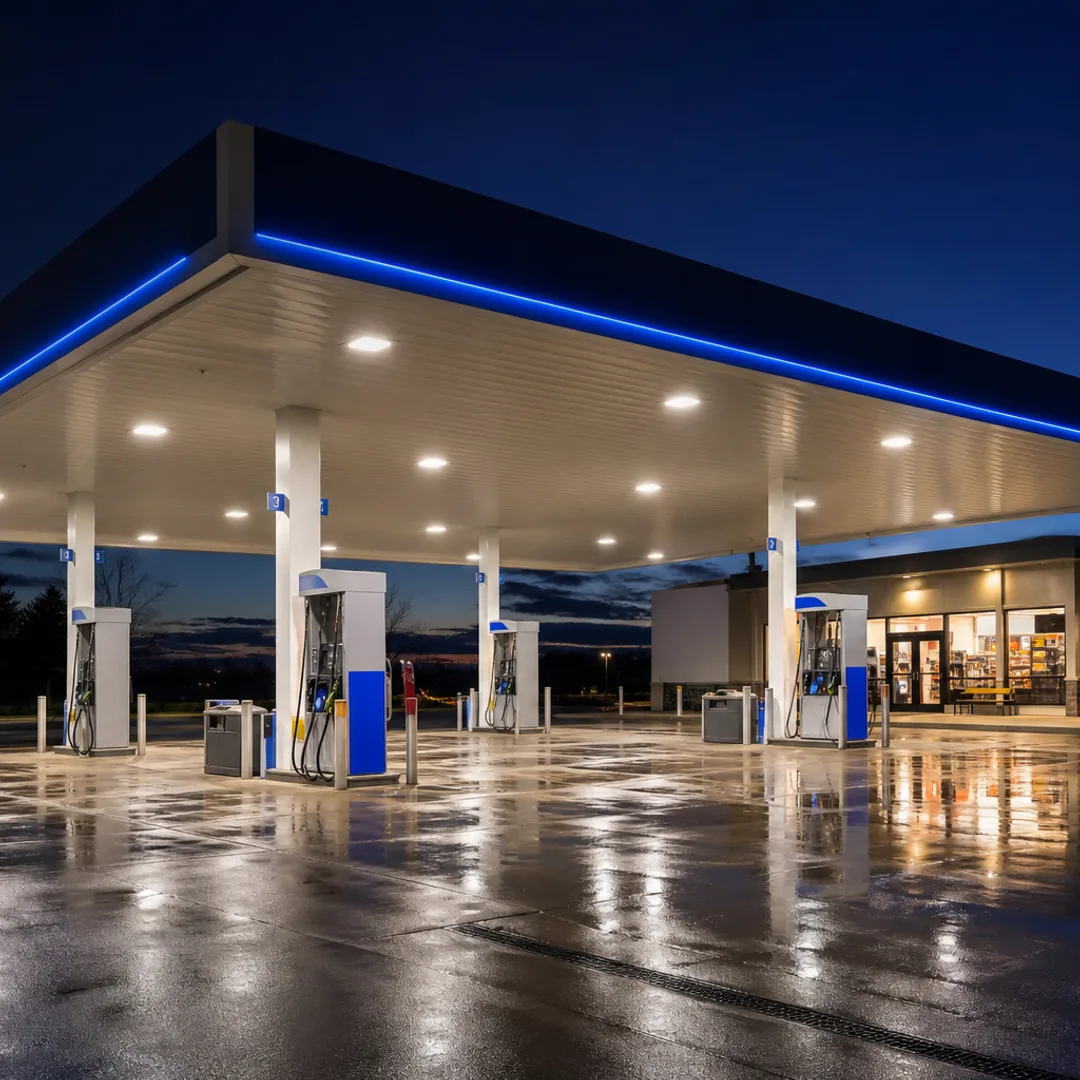
- Gas stations and fuel-and-convenience networks
- Food factories, central kitchens and manufacturing plants
- Clinics, gyms, warehouses and any business that runs on shifts and repeatable procedures






Comparison
Spreadsheets & WhatsApp vs. operations management software
| Capability | Paper, spreadsheets & WhatsApp | Operations software (Opscale) |
|---|---|---|
| Proof of completion | A tick mark or a message | Timestamp, employee, photo, note, signature |
| Who sees which tasks | Everyone, or whoever reads the group | Auto-assigned by role, department and shift |
| Real-time visibility | None until someone reports | Live dashboards across every location |
| Audit and inspection readiness | Searching binders and chats | Searchable history up to a year back |
| Consistency across branches | Depends on each manager | One standardized template library |
| Scheduling and attendance | Spreadsheets and punch cards | Presets, availability and geofenced clock-in |
| Onboarding new staff | Shadowing and verbal instructions | Role-based SOPs, videos and guided checklists |
Buyer's guide
How to choose operations management software
Seven things to check before you commit, learned from rolling Opscale out across hundreds of shifts.
- 01
Mobile-first for the frontline
Your staff will use it on a phone during a rush. It must be fast, guided and work the same on iOS, Android and web.
- 02
Role- and shift-based assignment
If every task is visible to everyone, nothing is owned by anyone. Look for automatic assignment by role, department and shift.
- 03
Proof capture
Timestamps, photos, notes and signatures turn a checklist into evidence for inspectors, franchisors and your own managers.
- 04
Multi-site comparison
You should be able to compare outlets, cities and countries on one screen, not export spreadsheets per branch.
- 05
Scheduling, attendance and communication built in
Separate tools mean separate logins and no shared data. The best operations apps unify them.
- 06
AI that saves setup time
Generating checklists and SOPs from a prompt, or from your existing PDFs, cuts implementation from weeks to days.
- 07
Regional fit
Support in your time zone and language, pricing you understand, and awareness of local inspection regimes matter as much as features.
Where we operate
Built in Beirut. Run across the Middle East and the world.
Opscale is headquartered in Lebanon and designed for the realities of operators in Saudi Arabia, the UAE and the wider region, with cloud availability everywhere.
Pricing
What does operations management software cost?
Opscale is priced per location: Starter $99, Growth $149 and Scale $249 per month, with two months free on annual billing and a free start with no credit card.
Compare plansFAQ
Operations management software questions
What is operations management software?
Operations management software is a platform that lets a business plan, assign, execute and verify its recurring daily work, checklists, inspections, food-safety logs, scheduling, attendance and communication, across one or many locations, with real-time visibility for managers. Opscale is an AI-native example built for restaurants and other multi-site industries.
What is an operations app?
An operations app is the mobile application frontline teams use to run daily operations: see the tasks assigned to their role and shift, complete them with photo or note proof, clock in and out, read announcements and chat with their team. Opscale's operations app is available on iOS and Android, with a matching web portal for managers.
How is operations management software different from project management or ERP software?
Project management tools track one-off projects with deadlines; ERP systems manage finance, inventory and procurement. Operations management software focuses on the recurring, shift-based work that keeps a physical site running every day, opening and closing routines, hygiene logs, inspections, schedules and attendance, and on proving it was done.
Which industries use operations management software?
Restaurants, cafés, bars and cloud kitchens are the most common, followed by retail, hospitality and hotels, gas stations, food manufacturing and any business that runs on shifts and repeatable procedures. Opscale has dedicated solutions for each of these industries.
How much does operations management software cost?
Pricing is typically per location per month. Opscale starts at $99 per location per month (Starter), with Growth at $149 and Scale at $249, and two months free on annual billing. You can start free without a credit card.
Is Opscale available in Lebanon, Saudi Arabia and the Middle East?
Yes. Opscale is headquartered in Beirut, Lebanon, and is available across Saudi Arabia, the UAE and the wider Middle East, as well as worldwide, on web, iOS and Android, with support in English and Arabic.
Does Opscale replace WhatsApp for operations?
For operational communication, yes. Opscale includes a company social wall for announcements, secure one-to-one and group chat tied to your sites and roles, and nudges that remind staff to complete tasks or clock in, so operational information stops getting lost in personal group chats.
See the operations app your team will actually use
Book a 20-minute demo on your own checklists, or start free today on web, iOS and Android.
No credit card required · Works on web, iOS & Android