
Choosing a restaurant operations app is less like buying software and more like hiring a shift manager who will be in every branch at once. Pick well and your standards hold on the nights you’re not there. Pick badly and you’ve bought another app your team ignores by week three.
Here are the twelve questions we’d ask any vendor, including us. They’re ordered the way the risk actually plays out: adoption first, features second, price last.
1. Will my team actually use it on a busy Saturday?
This is the only question that matters if the answer is no. Look for:
- A mobile app that works on the phones your staff already carry (iOS and Android).
- Tasks that take seconds to complete, with photo capture and a note, not a form with ten fields.
- Role-based views, so a barista only sees barista tasks.
- An interface your staff can read. If your team is multilingual, ask what languages the app supports and whether you can write procedures in Arabic as well as English.
Ask for a trial with real staff on a real shift, not a demo in a meeting room.
2. Does every completed task carry proof?
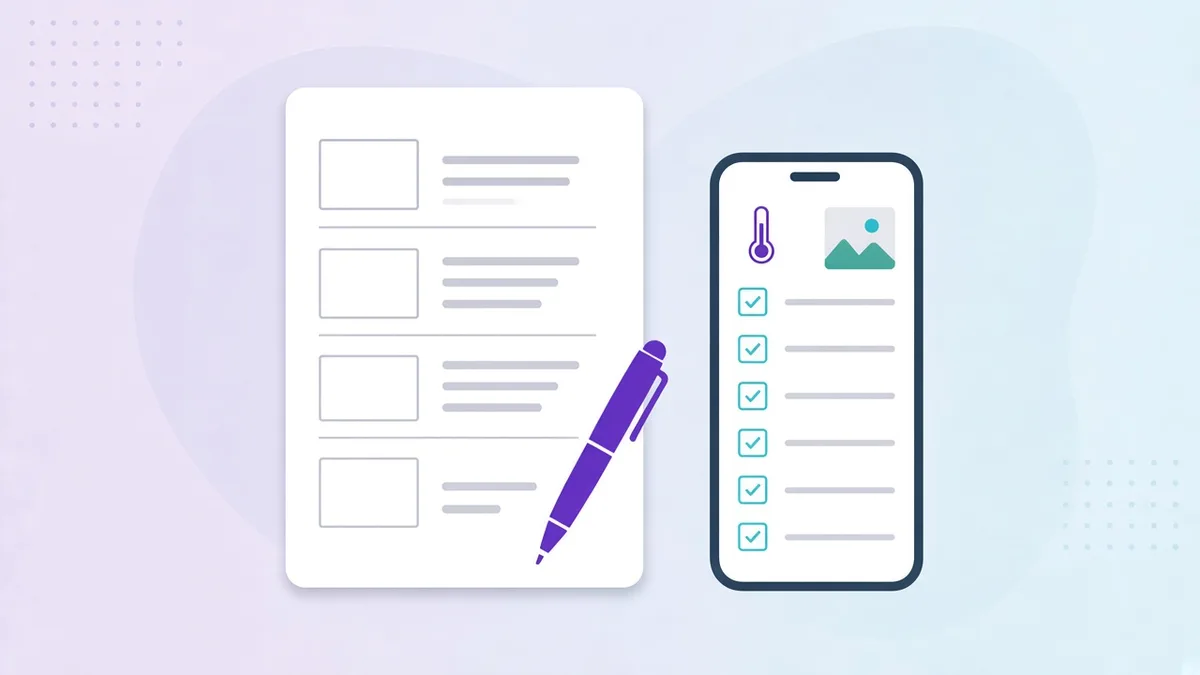
A tick box is not proof. The app should capture who completed a task, when, and optionally a photo, note or signature. This is what makes digital checklists trustworthy to you, to a franchisor and to an inspector. See how task and checklist management handles proof in Opscale.
3. Can tasks be assigned by role, shift and location?
Paper checklists are visible to everyone and owned by no one. The app should let you build a template once (say, “Kitchen opening”) and have it appear automatically for the right role, on the right shift, at every location that uses it. Changing the template should update every branch.
4. Are food-safety logs built in, not bolted on?
Temperature checks, cleaning schedules, receiving logs and corrective actions are the records that get you through an inspection. Ask whether the app:
- Supports recurring scheduled logs (fridge temps every 4 hours, for example).
- Flags out-of-range readings and prompts a corrective action.
- Stores history you can search and export, ideally a year or more.
If you operate in the Gulf, check the logs are structured in a way that matches what municipal inspectors and the SFDA or Dubai Municipality expect from a HACCP-based system. Our Saudi Arabia and UAE pages cover the regional context.
5. Does it handle scheduling and attendance, or just tasks?
Tasks are half the story. If your team still builds the rota in Excel and reconciles attendance by hand, you’ll want employee scheduling and a time clock with geofencing in the same system, so the plan and the reality live side by side. Fewer apps means higher adoption.
6. Can I run inspections and audits with consistent scoring?
Area managers need to score branches the same way every time. Look for configurable inspection templates with weighted scoring, photo evidence and automatic follow-up tasks for failures.
7. Does head office get a live, cross-site view?
The reason to go digital is visibility. An executive dashboard should show completion rates, compliance scores and attendance by site, city or region, in real time, and let you drill into any branch without calling the manager.
8. Can it replace the WhatsApp groups?
Most restaurant communication happens in chat groups where announcements, shift swaps and maintenance photos all collide. An operations app should offer structured team communication: announcements with read receipts, targeted by role and location, plus requests with status and ownership for maintenance, supplies and transfers.
9. How fast can we set it up?
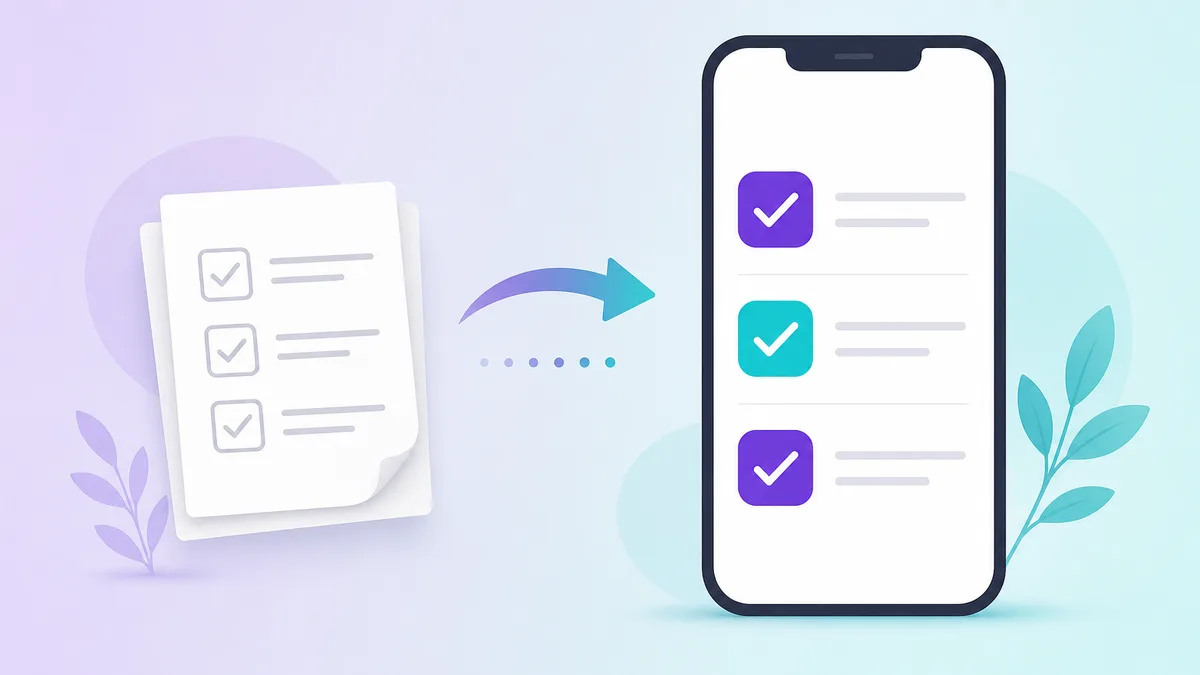
Ask how long it takes to digitize your existing checklists. Some platforms require weeks of professional services. Others let you upload documents to a shared operations library and use an AI checklist creator to draft structured templates from a prompt, so a new brand standard can be live across branches the same day.
10. Does it work for multiple brands and franchisees?
If you run several concepts, or you’re a franchisor, you need per-brand templates, per-outlet permissions and a view that lets you compare franchisees on standards without giving everyone access to everything.
11. What does it cost per location, and what’s included?
Operations software is usually priced per location per month. Make sure you understand:
- Whether users are unlimited or capped per location.
- Which modules are included at each tier.
- Whether there’s a discount for annual billing.
Opscale’s pricing starts at $99 per location per month, with unlimited users and two months free on annual plans.
12. Where is the vendor, and who answers the phone?
For operators in Lebanon, Saudi Arabia and the wider Middle East, a vendor in a time zone that overlaps your service hours, with support in English and Arabic, matters more than any feature. Ask who you’ll talk to, in what language, and when.
A quick scorecard
| Question | Must-have | Nice-to-have |
|---|---|---|
| Mobile app staff will use | Yes | |
| Proof of completion (time, user, photo) | Yes | |
| Role / shift / location assignment | Yes | |
| Food-safety logs with history | Yes | |
| Scheduling and attendance | Yes | |
| Inspections with scoring | Yes | |
| Live multi-site dashboard | Yes | |
| Structured communication and requests | Yes | |
| Fast setup, AI templates | Yes | |
| Multi-brand / franchise support | Depends | |
| Transparent per-location pricing | Yes | |
| Regional support in your language | Depends |
Next step
If you want to see how these twelve questions play out on a live account, read how Opscale handles restaurant operations end to end, or book a 30-minute demo and bring your own checklists. We’ll build one with you on the call.