
Every restaurant has an opening and closing routine. Very few have one that is written down, assigned to a role, done in the same order every day and provable afterwards. That gap is where most “small” problems start: the ice machine nobody cleaned, the back door left unlocked, the fridge that drifted overnight.
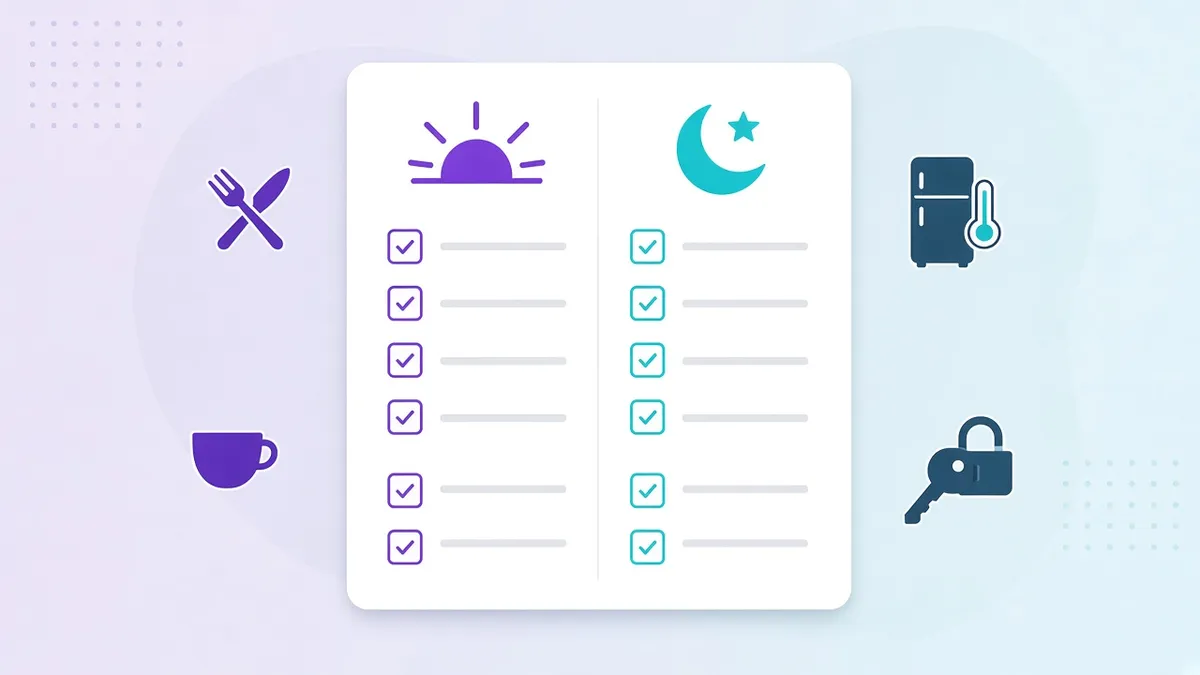
Below is a complete restaurant opening and closing checklist you can copy as-is, split by front of house, kitchen and manager. After the template, we cover the five rules that make a checklist work in practice, because the list itself is the easy part.
Opening checklist
Manager (arrive first)
- Disarm alarm, unlock, walk the premises; note anything unusual.
- Check overnight temperature logs or fridge/freezer displays; record readings.
- Confirm utilities: power, gas, water, HVAC, Wi-Fi and POS connectivity.
- Review today’s schedule and confirm attendance; cover any gaps.
- Count the float and open the tills.
- Check reservations, large bookings and delivery platform status.
- Review yesterday’s closing notes and any open maintenance requests.
- Brief the team: specials, 86’d items, VIPs, targets.
Kitchen
- Hand-wash and put on clean uniform, apron, hair restraint.
- Record walk-in, reach-in and freezer temperatures (cold holding at or below 5°C).
- Check deliveries against order; record receiving temperatures; reject anything out of range.
- Label and date all prepared items; apply first-in, first-out.
- Sanitize prep surfaces and set up sanitizer buckets at the correct concentration.
- Turn on and preheat equipment; verify hot holding reaches 60°C or above before service.
- Complete prep list according to par levels.
- Check hand-wash stations: soap, paper towels, hot water.
- Confirm allergen matrix and specials are posted.
Front of house
- Turn on lights, music, signage, screens and any customer-facing displays.
- Clean and sanitize tables, chairs, menus, condiments and high-touch surfaces.
- Check restrooms: clean, stocked, working; sign the restroom log.
- Set tables and side stations; polish glassware and cutlery.
- Stock and check the coffee machine, soft-drink lines and ice.
- Test POS, card terminals and the kitchen display or printer.
- Update menu boards and remove anything 86’d.
- Check the entrance, windows and outdoor area.
Closing checklist
Front of house
- Final sweep of the dining room for guests and belongings.
- Clear, clean and sanitize all tables, chairs and high chairs.
- Wipe menus, condiment stations and POS screens.
- Empty and clean the coffee machine; run cleaning cycles.
- Restock side stations for the morning.
- Clean restrooms; restock; sign off the log.
- Sweep and mop floors; take out rubbish and recycling.
- Turn off music, screens and signage.
Kitchen
- Cool, cover, label and date all leftovers; discard anything past its use-by.
- Record end-of-day fridge and freezer temperatures.
- Clean and sanitize all prep surfaces, cutting boards and small equipment.
- Break down and clean the line, grills, fryers and hoods per schedule.
- Empty, clean and sanitize sinks; run the dishwasher’s final cycle and drain it.
- Sweep and mop floors, including under equipment; clean drains.
- Take out rubbish; replace bin liners; clean bin area.
- Turn off gas and equipment that doesn’t run overnight; confirm fridges and freezers are running.
- Note stock shortages and tomorrow’s prep needs for the opening team.
Manager (leave last)
- Close tills, count cash, reconcile with POS; record variances.
- Complete the sales and labour summary.
- Review the completed FOH and kitchen checklists; sign off or flag misses.
- Log any incidents, complaints, breakages or maintenance issues.
- Walk the premises: windows, back door, gas, taps, lights.
- Lock up, set alarm, record departure time.
Five rules that make the checklist work
1. Assign every line to a role, not “someone”
“Clean the ice machine” with no owner is a task nobody does. In Opscale, each task belongs to a role (opener, line cook, FOH lead) and appears only on that person’s phone, on that shift. Fewer tasks per person, higher completion.
2. Require proof where it matters
Not every line needs a photo. Temperature readings, bin areas, restrooms and the locked back door do. Proof turns a checklist from a promise into a record you can show a franchisor or an inspector.
3. Set times, not just tasks
Opening tasks have a deadline (before doors open). Food-safety checks recur (every 4 hours). A good digital checklist system schedules these automatically and flags what’s overdue, so the manager isn’t chasing.
4. Review misses the next morning, not at month end
The value of a checklist is in the gaps. A manager who spends five minutes each morning reviewing yesterday’s misses, on a dashboard across every branch, fixes problems while they’re still small.
5. Keep one version of the truth
When the checklist is a laminated sheet, every branch quietly ends up with its own variant. A central template means a change at head office is live in every location the same day, and a new branch starts with the right standard from its first shift.
Running this template in Opscale
You can type the lists above into Opscale in under an hour, or paste them into the AI checklist creator and let it structure them with roles, timings and proof requirements. From there, the same template runs in every branch, with completion, timing and photos visible to whoever is responsible for standards.
See how it fits into day-to-day restaurant operations, or book a demo and we’ll set this checklist up live on the call.
Related reading: a checklist is the shift-level view of a procedure. For the procedures behind these lists, start with our standard operating procedures guide, the free SOP template and the 12 SOPs every restaurant branch needs.