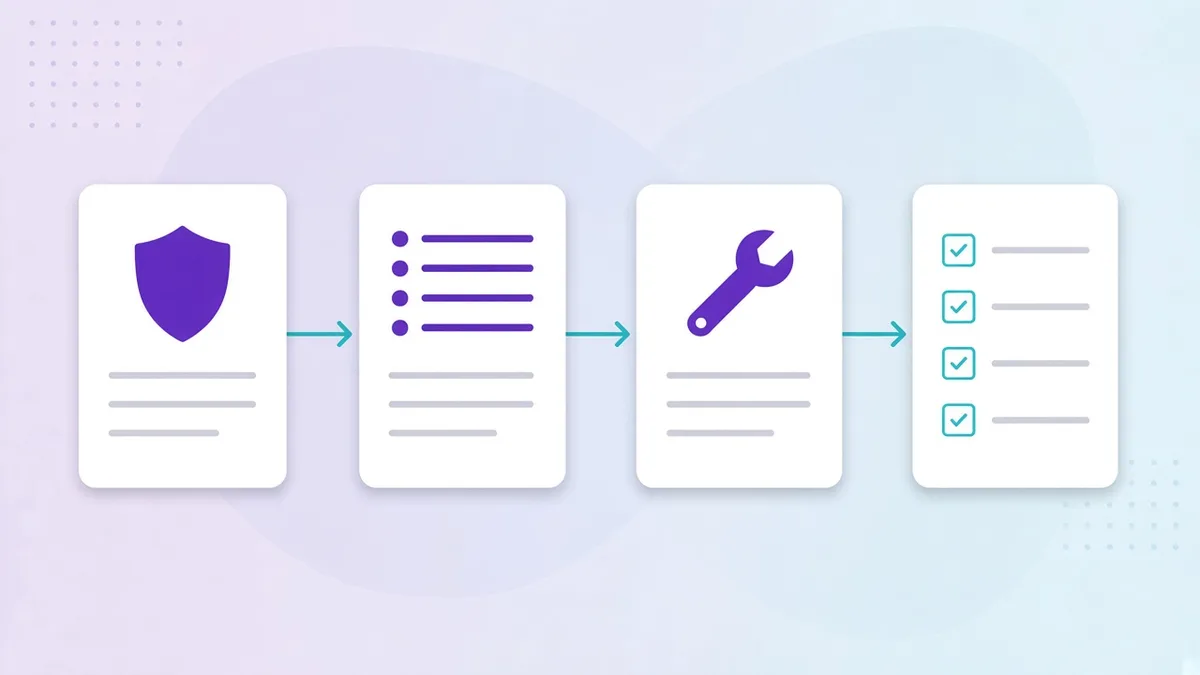

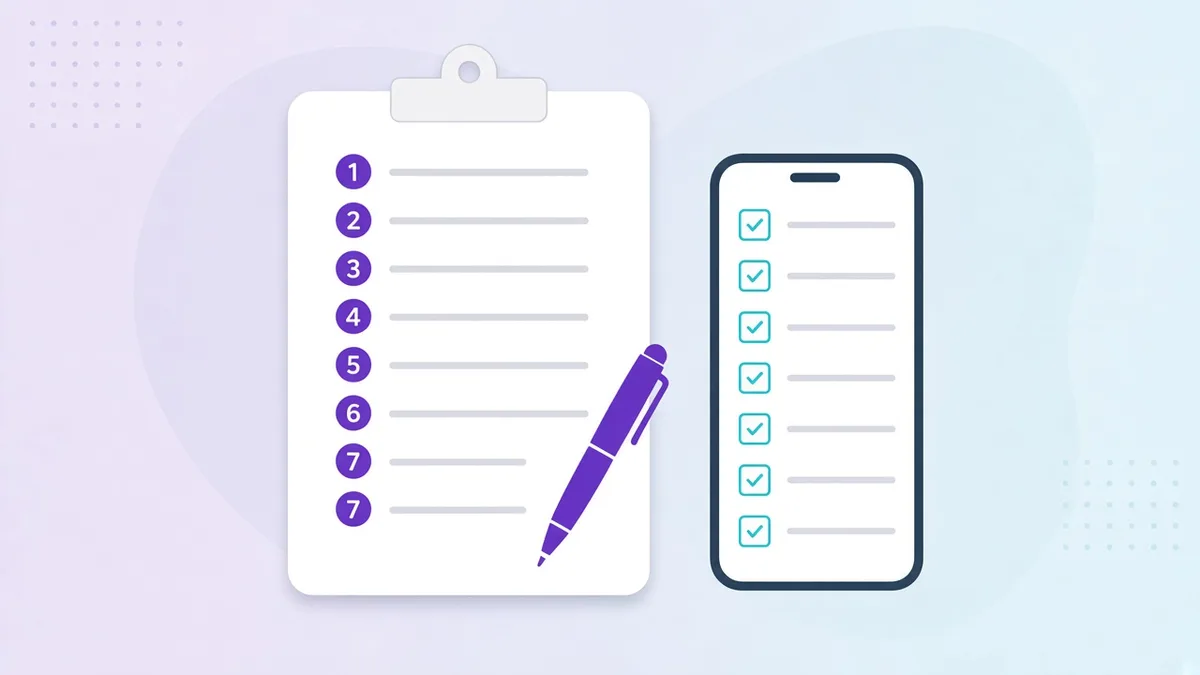
Most standard operating procedures are written once, printed, filed in a binder and never read again. The procedure still exists, in the sense that a document with that title is in the office, but the work on the floor is done from memory and habit. Then a new hire starts, a branch opens in another city, or an inspector asks a question, and the gap between the document and the reality becomes expensive.
This guide is about writing SOPs that close that gap: short, specific, assigned to a role and checked with proof. It uses restaurant and café examples because that is where most of our customers start, but the method is the same for a retail store, a hotel floor or a factory line. If you want the structure to fill in, use the free SOP template; if you want the definitions first, start with our guide to standard operating procedures.
Step 1: Pick the procedure that hurts most
Do not start by writing “the manual”. Start with the one recurring task where inconsistency is already costing you money, risk or reviews. In most food businesses that is one of:
- Receiving deliveries (wrong temperatures accepted, no record of what arrived)
- Closing (cash variances, equipment left on, cleaning skipped)
- Cold-holding checks (readings written from memory at the end of the shift)
- Cash handling (floats, drops and voids with no two-person check)
Pick one. Write it, roll it out, measure it, then move to the next. A group of twelve branches that has five SOPs genuinely followed is in a better position than one with sixty that are not.
Step 2: Watch it being done well
Stand next to your best operator and watch them do the task, start to finish. Write down every step, every tool they pick up, every decision they make and every time they check something. Ask why at each point. You will discover steps nobody has ever written down, like wiping the probe thermometer between the chicken and the dairy delivery, that are the real reason their branch has no complaints.
The SOP should describe work as it is done at its best, not as a manager imagines it from a desk. If the best way differs from the current written procedure, the written procedure is wrong.
Step 3: Define the standard for each step
“Check the fridges” is not a step; it is a reminder. A step has a measurable definition of done:
| Vague | Specific |
|---|---|
| Check the walk-in | Record walk-in temperature; acceptable range 0–5°C |
| Clean the espresso machine | Backflush each group head with cleaner for 10 seconds, 5 cycles; rinse 5 cycles; wipe steam wand; photo of drip tray |
| Count the float | Count float to 500 with a second person; both sign; variance over 10 triggers a manager review |
| Make sure the back door is locked | Confirm back door locked and alarm armed; photo of panel showing “armed” |
Numbers, counts, photos and named states are what turn an opinion into a standard. They are also what make the SOP auditable later.
Step 4: Decide the proof
For every step, decide what evidence it produces. Not every step needs proof; critical ones do. The usual options:
- A reading: a temperature, a ppm, a count, a weight
- A photo: of the end state, the label, the thermometer display
- A signature: for handovers, cash, and anything two people must confirm
- A timestamp: captured automatically when the step is completed on a phone
Proof is what separates an SOP from advice. It is also what your area manager reviews instead of driving to the branch, and what you show an inspector instead of promising that “we always do it”. Our article on digital checklists vs paper covers why photo and timestamp proof is so hard to fake compared to a signed sheet.
Step 5: Write it for the person doing it
The reader is a 22-year-old on their third shift, standing in a loud kitchen with a phone in one hand. Write for them:
- Numbered steps, one action per step, in the order performed
- Imperative verbs: “Record”, “Wipe”, “Photograph”, “Sign”
- Short sentences. If a step needs a paragraph, it is two steps.
- Pictures for anything visual: how the shelf should look, where the probe goes, what “clean” means
- Their language. In Gulf operations that usually means English and Arabic side by side; see our guide to bilingual SOPs for mixed-nationality teams.
Avoid policy language in the steps. “Staff must ensure compliance with hygiene standards at all times” belongs in the handbook, not in step 4.
Step 6: Test it on a new hire
Hand the draft to someone who has never done the task and watch them. Do not help. Every time they hesitate, ask a question or do something you did not intend, the SOP needs a step, a picture or a clearer standard. Two or three rounds of this usually cut an SOP in half and make it twice as useful.
This is also where you find the exceptions: what happens when the fridge reads 7°C, when the supplier arrives without a temperature log, when the second person for the cash count is on break. Write the exception path into the SOP. Most procedure failures happen in the exceptions, not in the happy path.
Step 7: Assign it, schedule it, review it
An SOP in a binder is a suggestion. An SOP that appears on the opener’s phone at 06:30 with the steps, the standards and the fields to fill in is a routine. The last step is to attach the procedure to a role (not a person), a time or trigger and a location, so that:
- the right person sees it at the right moment, without a manager reminding them
- proof is captured as the work happens
- head office can see completion and exceptions per branch without asking
Then review weekly: on-time completion, missed steps and corrective actions per branch. Those three numbers tell you which SOPs are working and where to coach. Our piece on training staff on SOPs and proving compliance goes deeper on the review loop.
In Opscale, the written SOP and its training clip live in the operations library, the scheduled, proof-capturing version runs through tasks and checklists, and the AI checklist creator will draft the whole thing from a plain-language description or an existing PDF so you start from a structured first version rather than a blank page.
A worked example: cold-holding check
Purpose. Keep chilled food at or below 5°C and record it. Scope. All branches; kitchen team; every refrigeration unit. Trigger. 07:00, 11:00, 15:00, 19:00 daily. Steps.
- Open the cold-holding task on your phone.
- For each unit listed, read the display or probe thermometer.
- Enter the temperature. Acceptable range: 0–5°C.
- If any reading is above 5°C: move stock to a compliant unit, re-check in 30 minutes, log the corrective action with a photo, notify the shift manager (the task does this automatically when the field is out of range).
- Submit. Your name and the time are recorded with each reading. Proof. Numeric reading per unit; photo on any out-of-range reading; automatic timestamp and user.
That is the entire SOP. It fits on one screen, a new hire can follow it on day one, and an inspector can see three months of it in a minute.
Common mistakes
- Writing the manual before the first SOP. Start with one procedure that matters.
- Standards without numbers. “Clean”, “properly”, “regularly” are not standards.
- No exception path. The SOP ends at “if out of range, inform manager” and nothing is logged.
- Person-based assignment. “Ahmed does the closing” fails the day Ahmed leaves.
- Two versions in circulation. Date every revision and remove the old one.
- No review loop. If nobody looks at completion and exceptions, the SOP will quietly stop being followed.
Pick one procedure this week, write it with the seven steps above, and put it on a phone. The second one will take half the time.