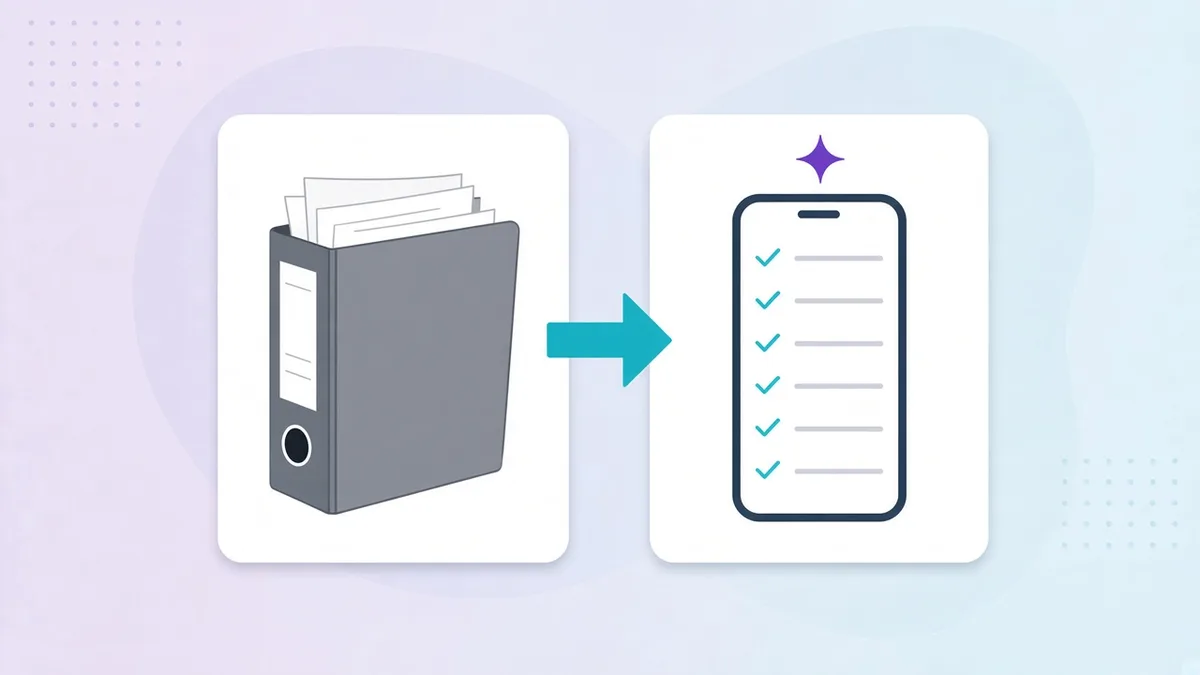

Ask ten operators what “operations software” means and you’ll get ten answers. Some point at their POS. Some point at the ERP the finance team bought. A few describe a mix of WhatsApp groups, Excel sheets and a laminated checklist on the kitchen wall.
They’re all describing something real, but none of them are describing the same thing. This guide draws the line between the three systems that most often get confused, POS, ERP and operations management software, so you can see what you already have, what you’re missing, and why the gap matters more as you add locations.
The one-paragraph version
- POS records the transaction: what was sold, to whom, for how much, by which cashier.
- ERP records the business: money, inventory, purchasing, payroll, suppliers and the general ledger.
- Operations software records the work: whether the fridge was checked at 7 a.m., who opened the store, if the closing cleaning was actually done, who is on shift tomorrow and whether the manager’s inspection score in Riyadh matches the one in Jeddah.
POS and ERP tell you what happened to the money. Operations software tells you what happened on the floor. Most groups run the first two and improvise the third.
What a POS does (and doesn’t)
A point-of-sale system is the register. Modern cloud POS platforms do much more than ring up orders: menu management, table layouts, kitchen display screens, loyalty, online ordering and detailed sales reports.
What a POS does not do is tell you whether your opening procedures were followed, whether the line cook logged the walk-in temperature, or why the Saturday team keeps missing the closing checklist. Those things happen around the register, not inside it. Some POS vendors bolt on a basic task list, but it’s rarely role-based, rarely has photo proof and almost never gives head office a cross-site view.
Use a POS for: sales, menus, payments, basic labour cost reporting.
What an ERP does (and doesn’t)
Enterprise resource planning software is the system of record for the business. It handles accounting, procurement, inventory valuation, payroll integration and supplier contracts. For a group with central purchasing, several legal entities or franchise accounting, an ERP is non-negotiable.
The ERP’s blind spot is the shift. It knows you bought 40 kg of chicken; it doesn’t know whether the chicken was stored at the right temperature or whether prep was done on time. It knows what payroll cost last month; it doesn’t know who was actually on site at 6 a.m. today. ERPs are built for finance and supply chain teams working at a desk, not for a shift lead on a phone in a busy kitchen.
Use an ERP for: accounting, purchasing, stock valuation, payroll, supplier management.
What operations management software does
Operations management software is the layer that runs the daily work of each location and reports it back to the people responsible for standards. In practice that means:
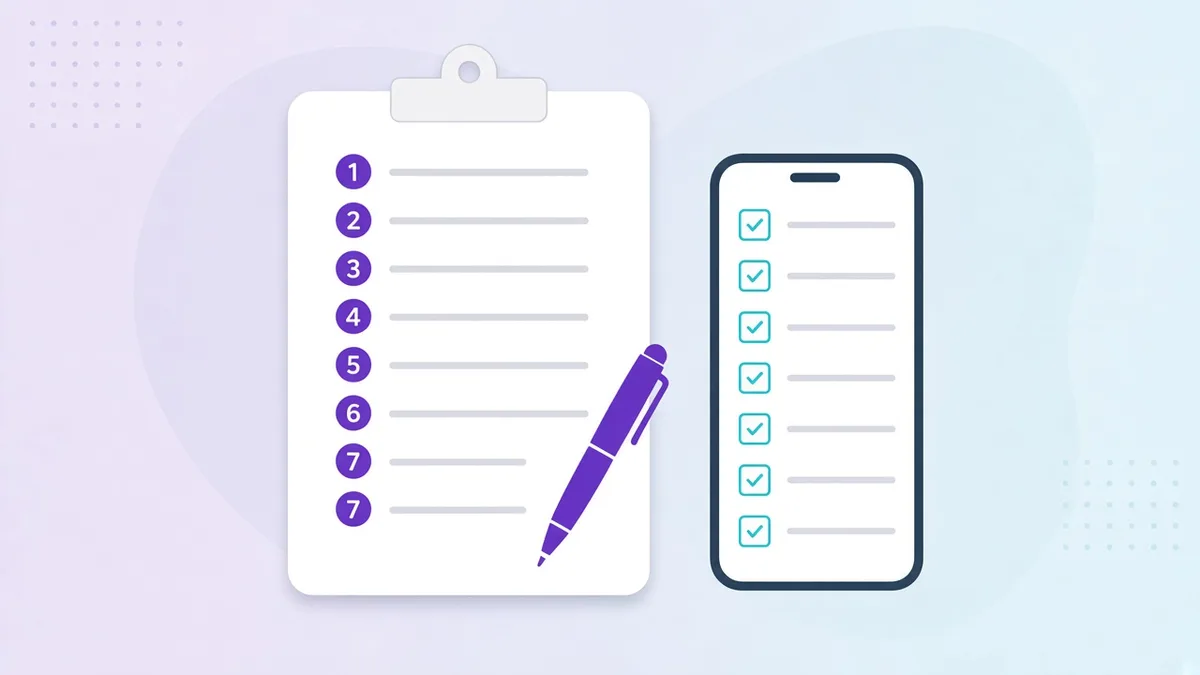
- Digital checklists and tasks by role, shift and site, with timestamps and photo proof (task & checklist management).
- Food-safety and compliance logs, HACCP-style temperature checks, cleaning records and corrective actions, searchable when an inspector asks.
- Scheduling and attendance, so the plan and the reality can be compared (employee scheduling, time clock & attendance).
- Inspections and audits scored consistently across branches (inspections).
- Internal requests, maintenance, supplies and transfers, with status and ownership (requests).
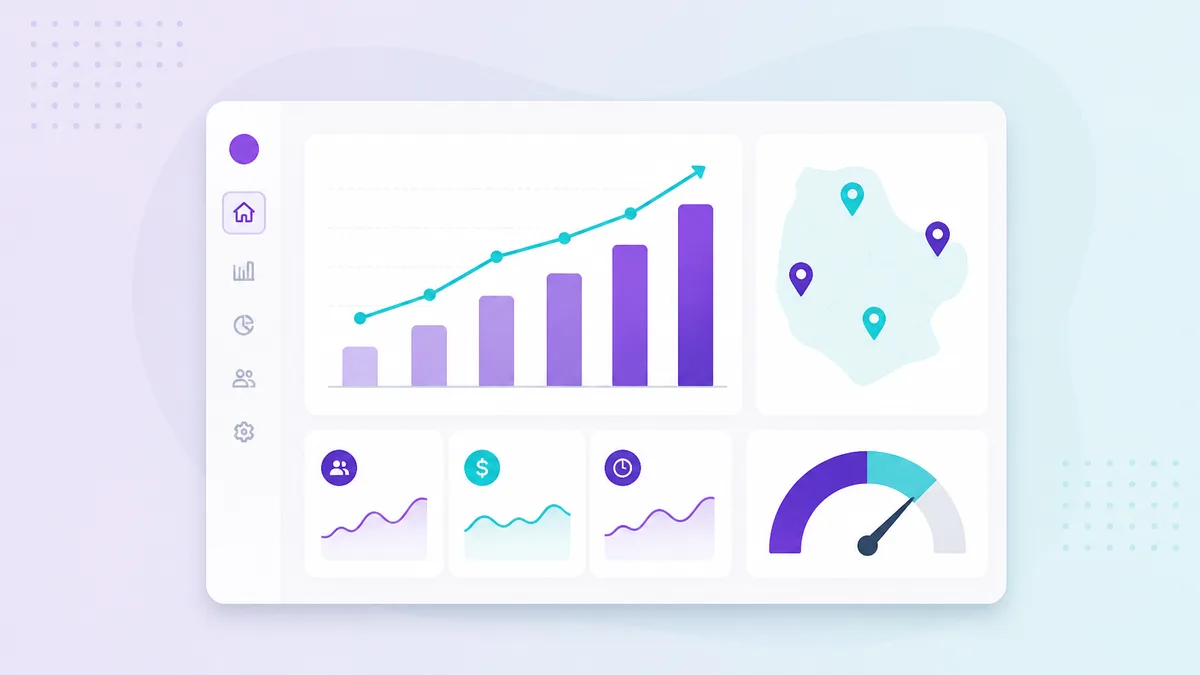
- A live, cross-site dashboard that shows execution, not just revenue (executive dashboard).
The defining characteristic is that it’s built for the people doing the work. It lives on their phones, speaks their language and takes seconds per task, because a system nobody uses on a busy Friday is just another binder.
Side by side
| Question | POS | ERP | Operations software |
|---|---|---|---|
| What did we sell? | Yes | Summary | No |
| What did it cost us? | Partial | Yes | No |
| Was the opening checklist done, by whom, when? | No | No | Yes |
| Are our food-safety logs complete for the inspector? | No | No | Yes |
| Who is on shift tomorrow and who actually showed up? | Basic | Payroll only | Yes |
| How does Branch A compare to Branch B on standards? | Sales only | Cost only | Yes |
| Built for staff on the floor? | Cashiers | Office teams | Everyone on shift |
Why the gap grows with every location
With one site, the owner is the operations layer. They see the floor, they know who closed last night, they notice the broken fridge. The POS and a spreadsheet are enough.
At three sites, the owner is in a car between them. At ten, there’s a regional manager who gets a WhatsApp photo of a checklist once a week. At thirty, across two or three countries, head office finds out about a hygiene failure from a customer review or an inspection report.
Revenue data from the POS and cost data from the ERP will not close that gap, because the problem isn’t financial visibility, it’s execution visibility. That is exactly what operations software is for, and why fast-growing groups in Saudi Arabia, the UAE and Lebanon are adding it as the third pillar of their stack.
Do they replace each other?
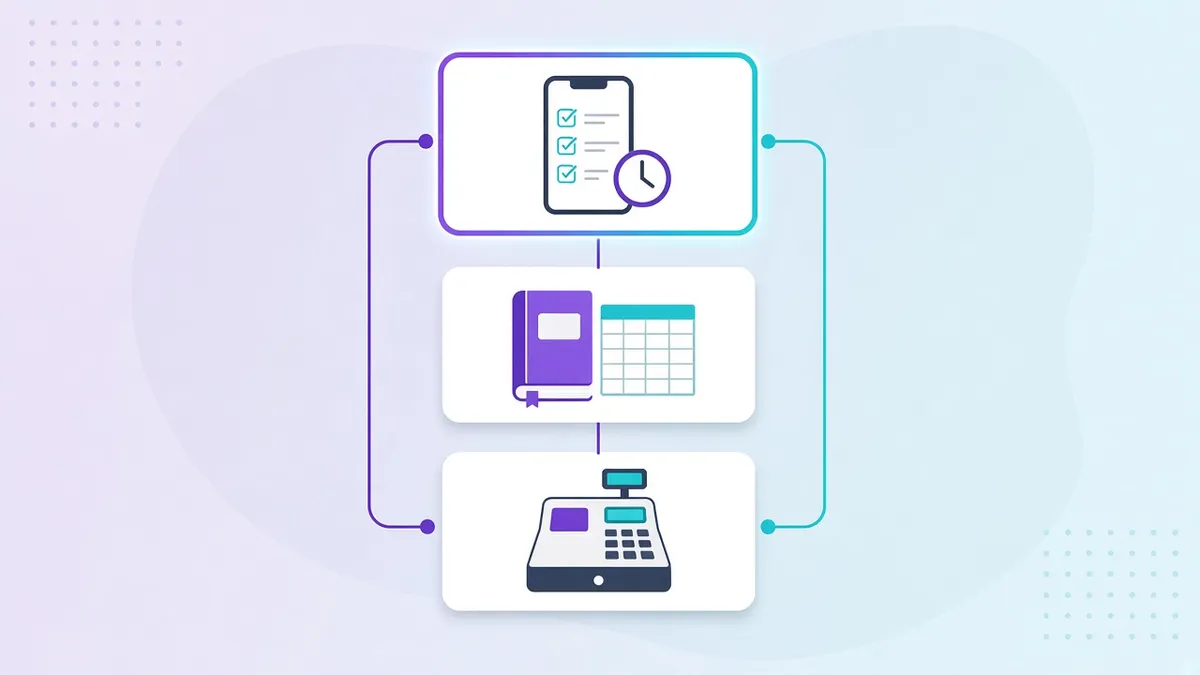
No. A healthy multi-site stack usually looks like this:
- POS at the counter, for sales and payments.
- ERP or accounting software at head office, for money and purchasing.
- Operations software on every phone in every location, for standards, compliance, people and communication.
Operations software doesn’t need to integrate deeply with the other two to be valuable, because it answers a question neither of them can. When it does connect, for example pulling sales figures into the same dashboard as compliance scores, the picture gets richer, but the core value is there on day one.
How to tell which one you’re missing
- If you can’t say what you sold yesterday by item and branch, you need a better POS.
- If month-end takes two weeks and nobody trusts the stock numbers, you need an ERP.
- If you can’t say, right now, whether every branch opened correctly today and whose fridge log is incomplete, you need operations software.
Most groups we meet have the first two and are running the third on paper and group chats. If that sounds familiar, start with our guide to what operations management software is, or book a demo and we’ll show you what the execution layer looks like on your own checklists.