
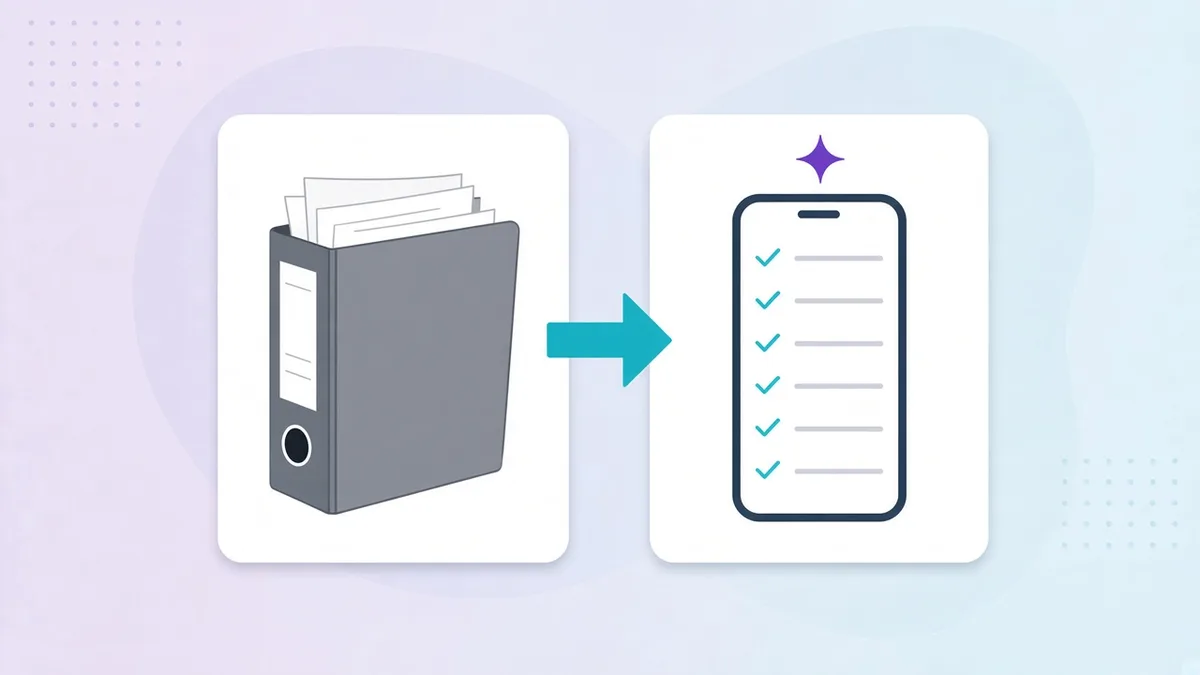
Every operations office has the binder. Sometimes it is a shared drive full of PDFs instead, but it behaves the same way: the procedures are in there, nobody on the floor reads them, and the real routines live in people’s heads. Moving from that to digital SOPs, where each procedure is a scheduled task on the right person’s phone with proof, is one of the highest-return projects an operations team can run. It is also one that stalls, usually because it is approached as “digitise everything” instead of “make five procedures work, then the next five”.
This is the plan we use with multi-branch groups in Lebanon and the Gulf. Six weeks, one pilot branch, no service disruption. If you need the fundamentals first, see the guide to standard operating procedures and the difference between an SOP, a checklist and a work instruction.
Before you start: what “digital SOP” should mean
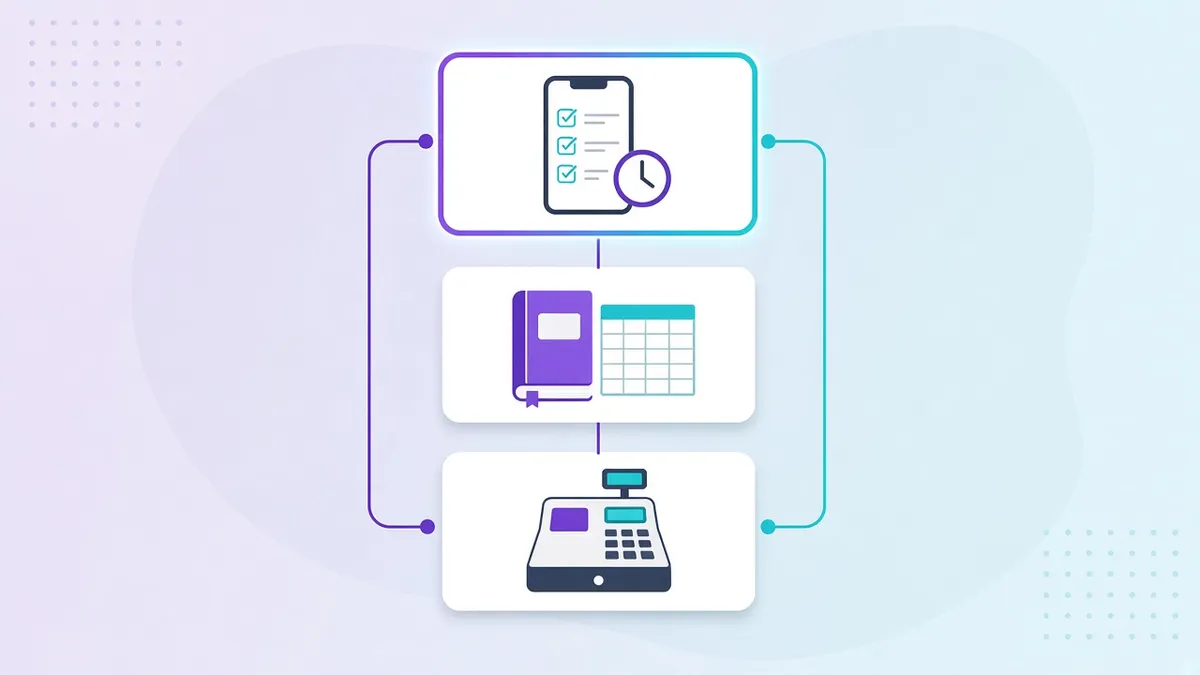
Scanning the binder into PDFs and putting them on a tablet is not a digital SOP; it is a heavier binder. A digital SOP has four properties:
- Assigned: to a role, a shift and a site, so it appears on the right phone at the right time without a manager prompting.
- Structured: steps are fields with standards built in (a temperature range, a required photo), not paragraphs.
- Proven: completion leaves a record: readings, photos, signatures, timestamp, user.
- Visible: head office sees completion and exceptions per branch in real time.
If the tool you are considering cannot do all four, you are buying a document library, not an operations system. Our comparison of operations software vs POS vs ERP explains where this capability sits.
Week 1: Audit the binder
Lay out everything you have: the binder, the PDFs, the laminated sheets on the kitchen wall, the WhatsApp messages that function as procedures. For each item record:
- Procedure name and what it covers
- Last revision date (often blank)
- Whether it is actually followed, honestly: yes / partly / no
- Risk if done wrong: food safety, cash, brand, legal, low
- Frequency: per shift, daily, weekly, per event
You will typically find 40 to 80 items, a third of them duplicates or obsolete, and five to ten that carry nearly all the risk. You will also find procedures that exist only as habit and have never been written down. Add those to the list.
Week 2: Prioritise and rewrite the top five
Rank by risk and frequency. The top of the list is almost always the same across food and retail businesses:
- Opening and closing
- Receiving
- Temperature and cold-holding logs
- Cleaning and sanitation
- Cash handling
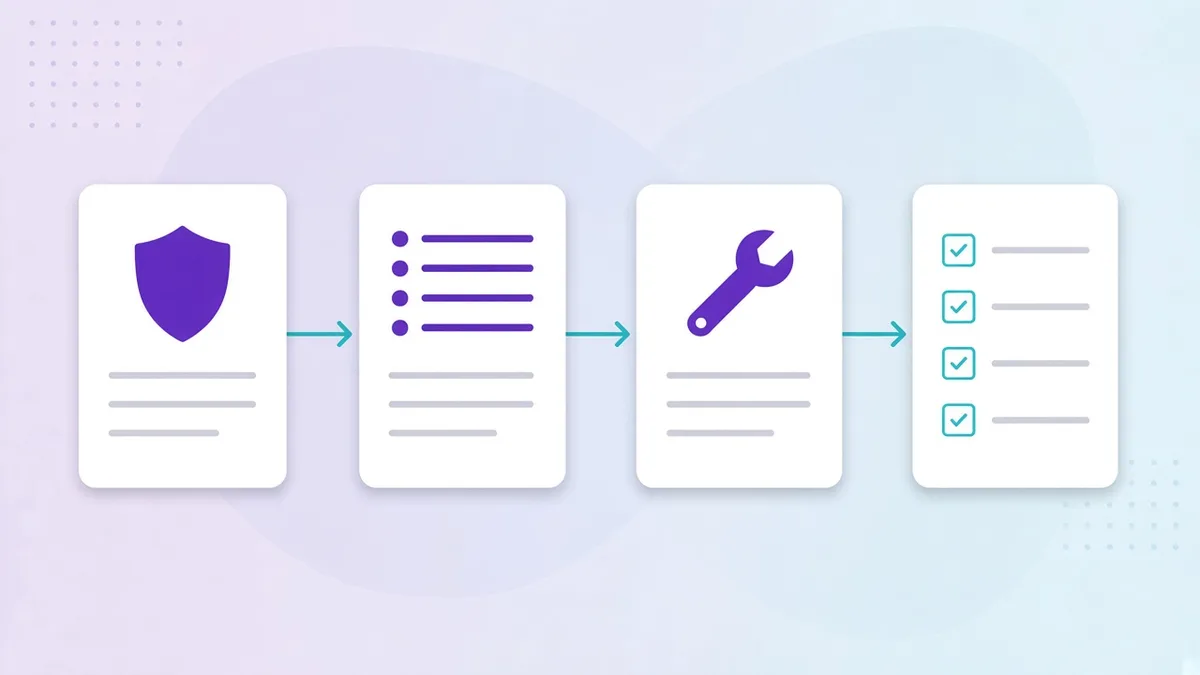
Rewrite these five in the SOP template format: numbered steps, a standard per step, proof per critical step, and an exception path. Do not digitise the old wording. The migration is your one chance to fix procedures that have drifted; use it.
This is also where AI earns its place. Opscale’s AI checklist creator takes a photo of the existing paper form, or a PDF, or a plain-language description (“closing checklist for a café with two espresso machines and a pastry display”) and produces a structured draft with steps, field types and validations. You review and adjust standards to your equipment rather than typing from scratch. For five procedures this saves a day; for fifty it saves the project.
Week 3: Build the tasks and the library
For each of the five SOPs, build two things:
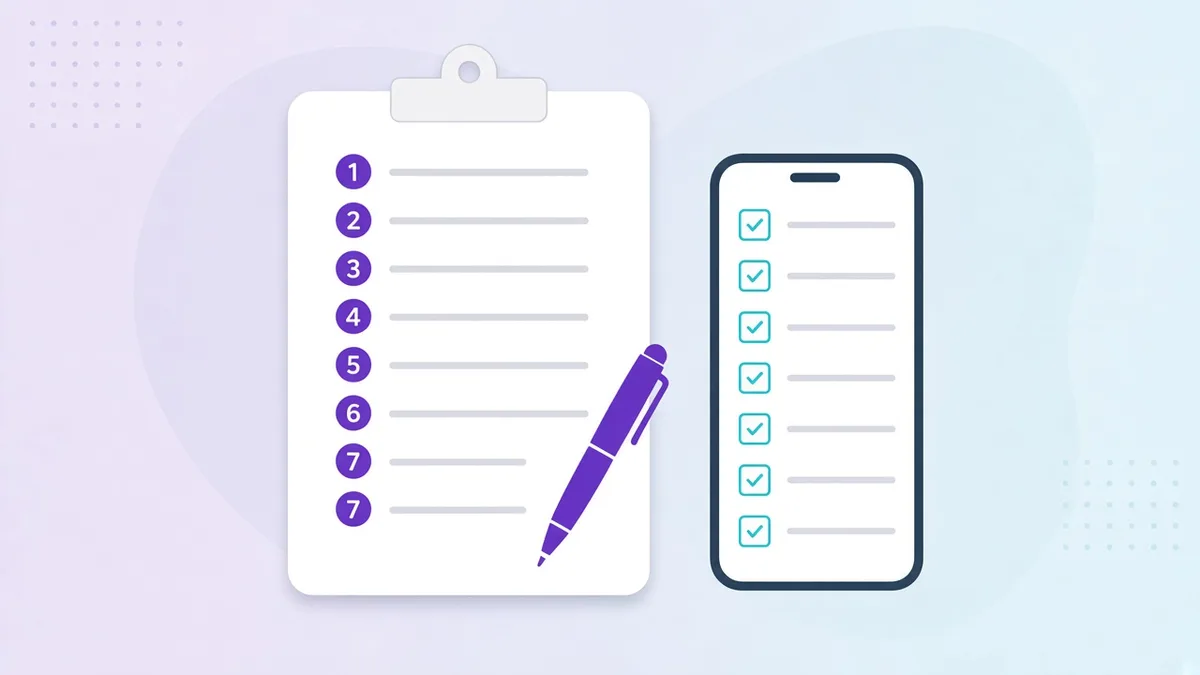
The task. Steps become checklist items. Standards become validation rules on fields (numeric range, required photo, signature). The trigger becomes a schedule (07:00 daily; per delivery) assigned to a role at each site. Exceptions become automatic flags and a corrective-action sub-task that notifies the manager role. This is the version staff will use every shift, in tasks and checklists.
The reference. The full SOP document, plus a one-to-two-minute video of the procedure on your own equipment, stored in the operations library with role-based access and linked from the task. This is what a new hire opens when they are unsure.
Write the task in the languages your team actually reads. For Gulf teams that is usually English and Arabic at minimum; see bilingual SOPs for mixed-nationality teams.
Week 4: Pilot one branch
Pick a branch with a manager who wants this, not the one that needs it most. Run the five digital SOPs alongside the paper for one week, then paper off.
What to watch in the pilot:
- Time to complete each task. Closing should take no longer than it did on paper; if it does, you have too many required photos or too many steps.
- Questions from staff. Each one is a missing step, a missing picture or an unclear standard. Fix the SOP, not the person.
- Exceptions. You will see out-of-range readings that paper never showed you. This is the system working, not failing. Make sure the corrective-action flow is usable.
- Manager review habit. The branch manager should spend ten minutes a day reviewing completions and exceptions. If they do not, nothing downstream will work.
Adjust the five SOPs based on the pilot. Expect to cut steps and rewrite standards. This is normal and it is the reason you pilot.
Week 5: Roll out to all branches
Roll out the five SOPs everywhere, with the pilot branch manager helping the others. Because tasks are assigned to roles and sites rather than people, the rollout is configuration, not training: the opener at every branch gets the opening routine tomorrow morning.
Do three things on day one:
- Tell every team what is changing, why, and that the paper stops on a specific date.
- Make the video and SOP available inside each task so nobody is stuck.
- Start the weekly review on the three compliance numbers (on-time completion, exception rate, inspection score) described in how to train staff on SOPs and prove compliance.
Week 6: Retire the binder, schedule the next five
Collect the paper. Physically. If the laminated sheet stays on the wall, half the team will keep ticking it. Mark the binder versions as retired in the library so there is exactly one current version of each procedure.
Then schedule the next five SOPs from your Week 1 list, and the five after that. Most groups digitise their twenty to thirty real procedures in a quarter at this pace, with the tools and habits built in the first six weeks.
What changes once the binder is gone
- New hires are productive on day one. The routine, the instruction and the standard are on their phone.
- Head office stops asking “did you do it?” The dashboard answers; the call is about the exceptions.
- Openings get faster. A new branch inherits every SOP by role the moment it is configured.
- Inspections stop being an event. Records for any branch and any period take a minute to produce, which matters increasingly for operators under SFDA, municipal and emirate-level regimes in Saudi Arabia and the UAE.
- Procedures improve. Because you can see where exceptions cluster, you fix the SOP, the equipment or the training instead of guessing.
Two mistakes to avoid
Digitising everything at once. Sixty tasks arriving on a team’s phones on the same Monday produces revolt and pencil-whipping. Five, then five more.
Keeping paper as a backup. Two systems means neither is trusted. Pick a date, retire the binder, and keep a printed emergency copy of the five critical SOPs in the office for the day the internet fails, which, in our experience across Lebanon and the Gulf, is a real scenario and a reason to choose a mobile app that works offline and syncs later.
The binder was never the procedure. The procedure is what happens at 06:30 when the opener walks in. Put it on their phone.